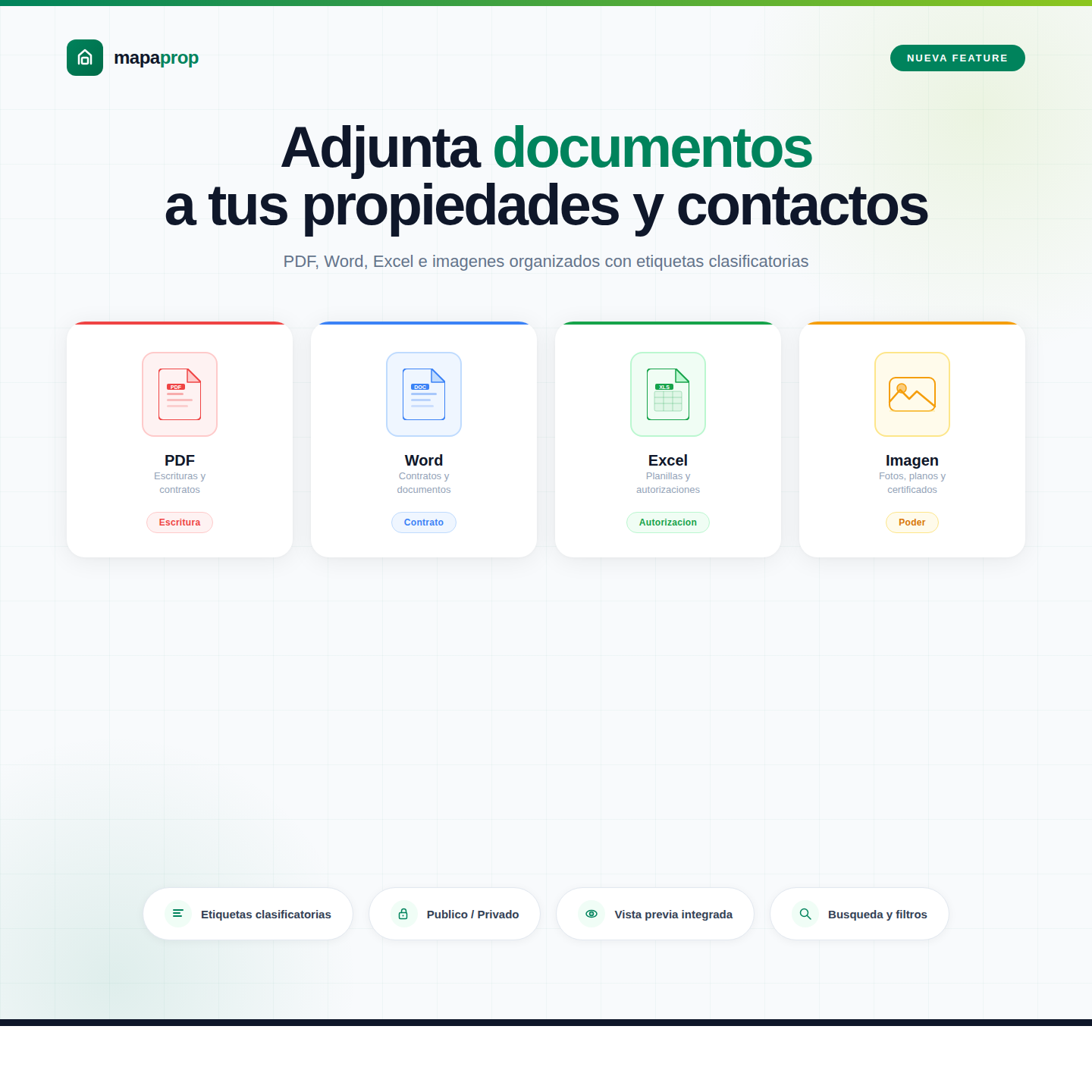
When you manage properties and contacts, documents are part of the daily job. A deed to share with the buyer, a contract the team needs to review, a sales authorization you want within reach. Until now, those files lived scattered across emails, local folders and external storage services. With the new Document Management feature, all of that changes.
Attach any file type directly from Mapaprop
From any property or contact record, you can now upload files directly: PDFs, images, text documents, spreadsheets and more. Without leaving the system, without external links, without losing track of where each file ended up.
Every document stays linked to the corresponding record so the whole team finds it exactly where it belongs.
Labels to classify at a glance
Uploading a file is useful. Knowing what it contains without opening it is even better. That's why each document can be tagged with one of 14 predefined labels: Deed, Contract, Authorization, Floor Plan, Regulations, Title, Power of Attorney, Appraisal, Inventory, Invoice, Receipt, Report, Photo and Other.
Labels are adapted to the language and terminology of each country, so the experience feels natural whether you work in the United States, Mexico, Spain, or any other market.
Public and private documents with role-based access
Not every document is meant for everyone. That's why each file can be marked as public or private.
Public documents are visible to all team members with access to that property or contact. Private ones are only visible to the administrator and users with specific permissions. This way, you can keep the team's operational documents and the business's confidential files in the same place, without mixing them or exposing what shouldn't be shared.
Preview without downloading
For PDFs and images, the system shows a preview directly on screen. You don't need to download the file to know if it's the one you were looking for. This saves time when several documents are attached and you need to quickly identify which is which.
Search and filter by file type
When a property accumulates multiple documents over time, finding the right one can become a chore. Filters by file type and label let you narrow the list in seconds. Look for only contracts, only images or only PDFs, and the system shows exactly that.
Full audit trail for every document
Every action on a document is recorded: who uploaded it, who downloaded it, who deleted it and when. This audit log is automatic and requires no additional setup.
For agencies that handle sensitive documentation, this is more than a convenience. It's a transparency and traceability tool that simplifies any internal or external inquiry about a file's history.
Available on Business and Business Manager plans
Document management is included in the Business and Business Manager plans. If your account is on a lower plan and you'd like to activate this feature, you can upgrade from the billing section within the application.
Learn all about this feature in our complete Document Management documentation.
Every improvement in Mapaprop starts from a real need that agencies using the platform bring to us. Document management is one more of those features that might seem simple but that organize and protect an essential part of the daily workflow.
The Mapaprop team and Ricardo Asensio