Today we're releasing one of the most important updates in Mapaprop's history: a complete team management system that transforms how real estate agencies organize their work. With this update, every team member gets their own access, their own workspace and their own view of the company, while the administrator keeps full centralized control.
A system designed for agencies of all sizes
From a small office with two salespeople to a network with dozens of independent agents, the new user system adapts to any structure. The key lies in three concepts working together: roles, branches and agents.
Roles: who can do what
Every person on your team has a clear role:
- Administrator: the account owner. Full access to everything. One per account.
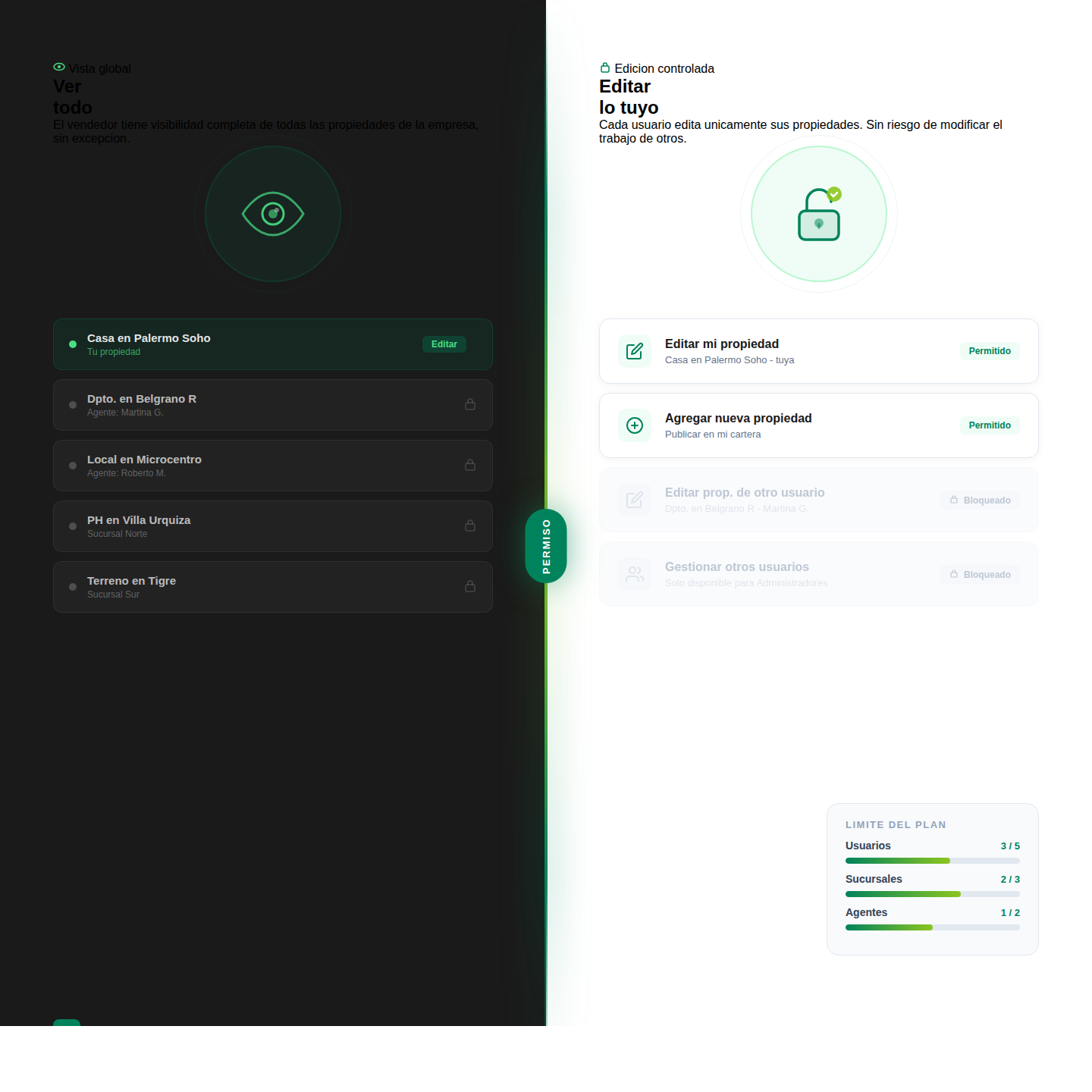
- Salesperson: a team member assigned to a branch. Can manage the properties, messages and contacts of their branch, and can also view all company properties in read-only mode.
- Agent: an independent salesperson with their own branch, created automatically when they're added.
The most important change: salespeople can now see all company properties. Those from other branches appear with a badge indicating which branch they belong to. They can be viewed, shared, emailed and their statistics can be checked. But they cannot be edited, deleted or published. This allows the entire team to know the full company portfolio without risk of unauthorized changes.
Branches: organize your company by office
Branches allow each office to have its own identity: address, phone number, contact email. When a prospect inquires about a property, the notification goes to the email of the assigned branch, plus a copy to the administrator.
Every property, message and contact is linked to a branch. When creating a property, the salesperson has it automatically assigned to their branch with no option to change it.
Independent agents: autonomy with control
Agents are the big new feature. An agent is a salesperson who operates with their own exclusive branch. When creating an agent, the system automatically generates their branch with their name and email. The agent works independently within their space, but remains part of the company.
The relationship between an agent and their branch has special rules: the email is synchronized (change the agent's email, the branch email changes too), and the branch cannot be deleted while the agent is active. To release the branch, the agent must first be deactivated, and the system automatically reassigns all their properties and contacts to another branch.
Plan limits: grow at your own pace
The number of users, branches and agents depends on the contracted plan. From the free plan (1 salesperson, 1 branch) to Business Manager (50 salespeople, 50 branches, 50 agents), each plan has its own limits that are applied automatically.
The on-screen indicator shows current usage: "2/3 active salespeople". When the limit is reached, the add button is disabled and a link appears to upgrade the plan.
Deactivate without losing data
Users are deactivated, not deleted. A deactivated salesperson cannot log in, but their properties, contacts and messages are fully preserved. The administrator can reactivate them at any time if there's available capacity in the plan.
For agents, deactivation includes automatic reassignment of their branch: all properties and contacts move to the branch the administrator chooses as destination.
Complete documentation
We've prepared a comprehensive guide to the user, role, agent and branch system. It's available from the Users and Branches pages within the application, with all the information your team needs to work with these new tools.
This update is the result of weeks of focused development aimed at solving a real need for real estate agencies: organizing work teams with control, flexibility and without complications.
The Mapaprop team and Ricardo Asensio