Your clients are on Instagram and Facebook. That's where they browse, compare and share properties every day. But reaching both networks used to mean double the work: download the photo, write the caption, open Instagram, post; open Facebook, post again. And next week, the same thing all over again with the next property.
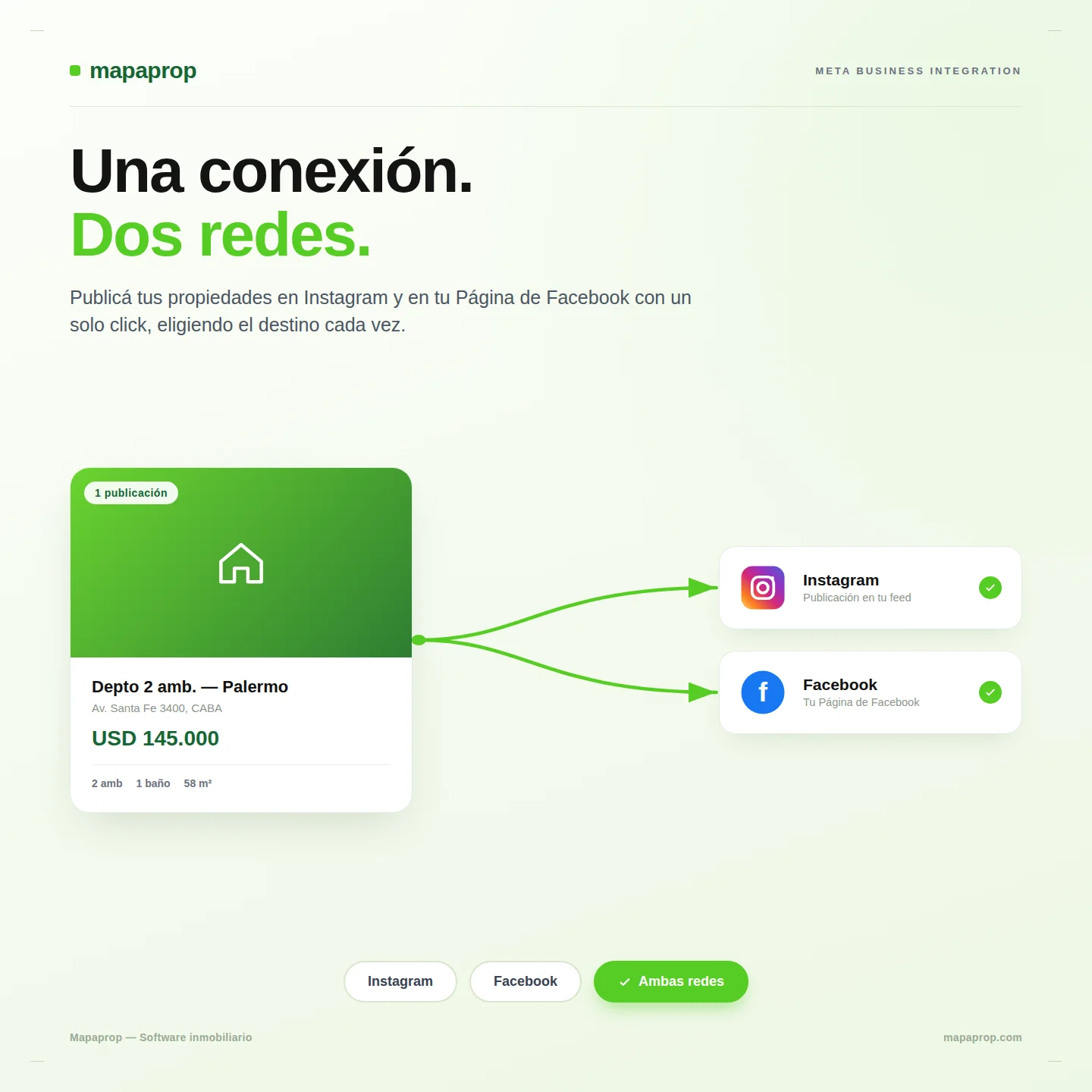
With Mapaprop you connect your Meta account just once and publish your properties on Instagram and on your Facebook Page from inside the platform. One publish, both networks.
One connection, two networks
Instagram and Facebook are part of the same Meta ecosystem. We take advantage of exactly that: when you connect your Meta account to Mapaprop, both networks are enabled at once. There are no two separate integrations and no two different logins — it's a single connection that lets you publish to Instagram and to your Facebook Page.
And so there's no doubt about what you enabled, the connection screen shows you what's active: your Instagram account and your Facebook Page, ready to publish.
You choose each publication's destination
Not every property goes to the same place. Sometimes you want the visual impact of Instagram; sometimes you want to reach your Facebook Page audience; often, both.
That's why, when you publish a property, you choose the destination:
- Both networks — the property goes to Instagram and Facebook in one shot.
- Instagram only — when the piece is purely visual.
- Facebook only — when you want to prioritize your Page's reach.
A single publishing flow, with control over where each listing goes.
Why it matters for your agency
Posting on social media isn't optional in today's real estate business: it's where your brand shows up and where your properties circulate. But the real cost was never the "wanting to" — it was the time. Every minute you spend copying and pasting between apps is a minute you're not with a client.
By bringing Instagram and Facebook inside Mapaprop, that repetitive work disappears. You publish from the same place where you already manage your inventory, your inquiries and your contacts. Your social presence stops being a separate task and becomes part of the natural flow of loading and promoting a property.
How to get started
- Go to Settings > Connect accounts and connect your Meta account. That connection enables both Instagram and your Facebook Page.
- On any property, use Publish and choose the destination: both networks, Instagram only, or Facebook only.
To connect your Facebook Page you need to be an administrator of that Page on Meta — a Meta requirement, not a Mapaprop one.
The feature is available on the Plus and higher plans.
Step-by-step guides in the Help Center: Connect with Instagram and Facebook · Publish on Instagram and Facebook.
Part of an ever-wider publishing reach
This integration adds to the logic we've been building: publish once, appear everywhere. Your properties already go out to the main real estate portals; now they also reach the two social networks where your clients spend their day. All from the same place.
The full detail of the changes is available in System Versions.
The Mapaprop team and Ricardo Asensio.